

The Strived mobile app is made for students and instructors. Content managers work in the web app on a computer, where all their tools are.

What you see on a phone

If you log in to the app with a content manager account, the app signs you out right away. It shows An Error Has Occurred with the message Role not supported for this device, on top of the login screen.
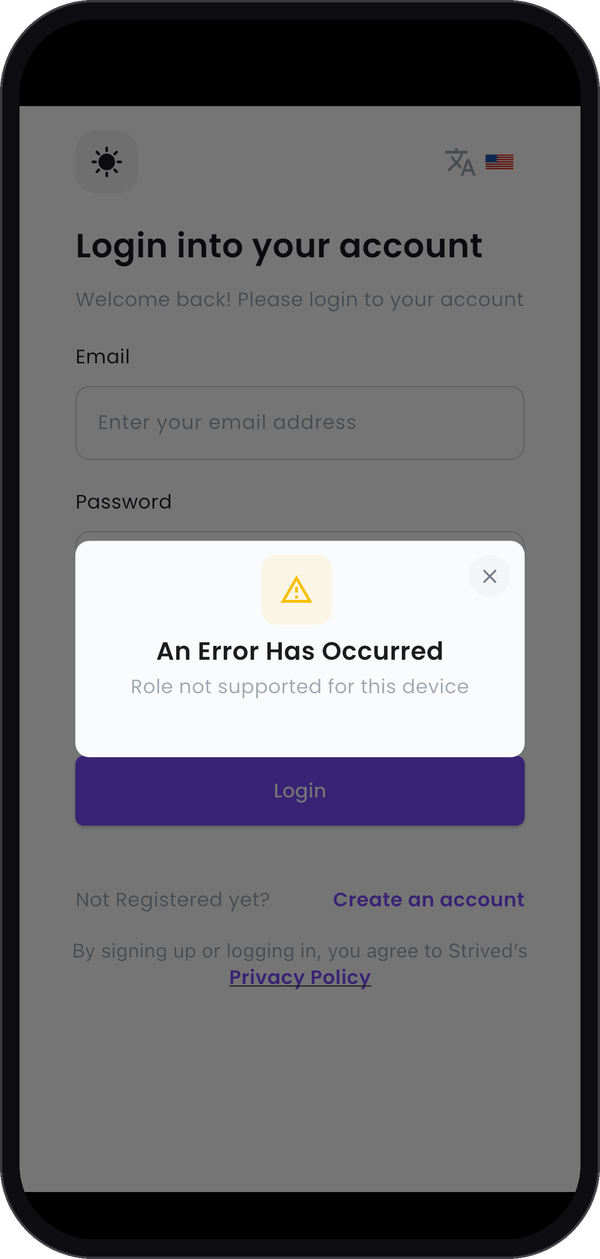
The login screen on an iPhone behind a window saying An Error Has Occurred, Role not supported for this device

The message on a phone.

Nothing is wrong with your account: the message only means that this role isn’t in the app.

What to do instead

Open Strived in a browser on a computer and log in with the same e-mail and password. The Open Strived button at the top of this site takes you there.

What your users see

Learners and instructors do have the app. To see its screens, or to help someone who uses it, read the student and instructor guides.